
seo
One Business, One Name on Google, Yelp and Facebook
Your customers meet your business in four places before they call. Here's how to check that all four use the same real name, and how to fix the ones that don't.
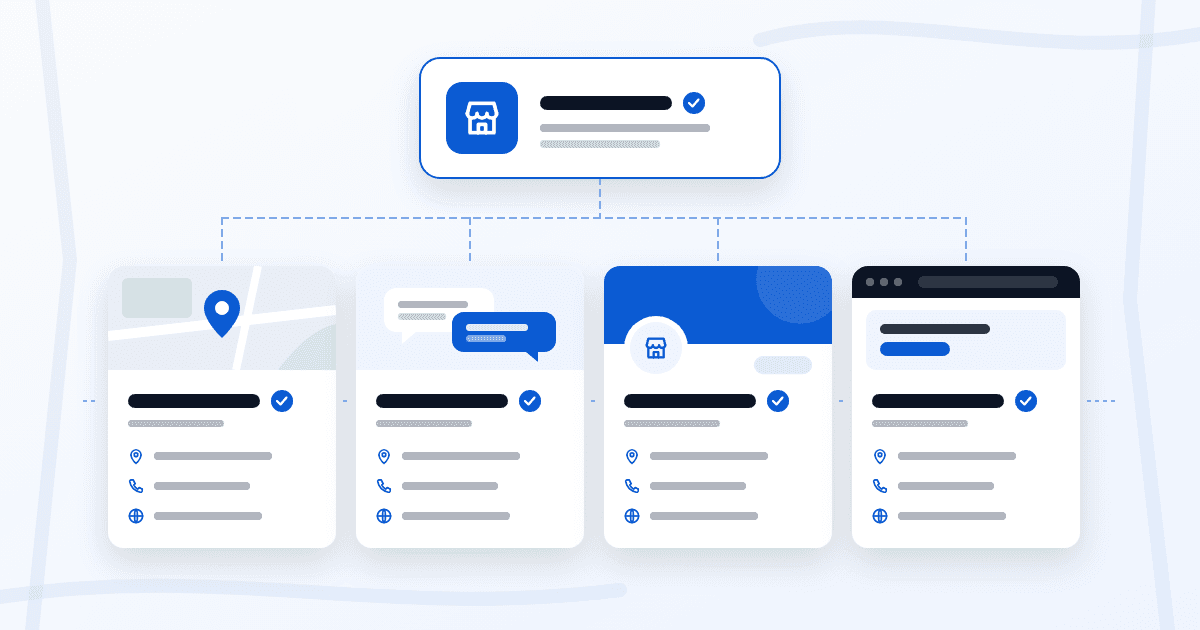
Short answer: pick the name that's on your sign, your invoices and your website. Then look your business up on Google, Yelp, Facebook and your own site, write down every version you find, and fix each listing from the account that controls it. Don't add keywords to the name. And don't open a new listing to get a clean start: edit the one you have, and report the duplicates.
Which name is your real name
Google answers this one directly. Its Guidelines for representing your business on Google say your name should reflect the business's real-world name, as used consistently on your storefront, website and stationery, and as known to customers.
So the starting point isn't a platform. It's you. Write the name down once, the way it appears on the truck, the door or the business card, and treat that as the reference for everything else.
Each platform has its own rules
Same name doesn't always mean the same string of characters. Each platform has its own style rules, and a small difference that follows them isn't a mistake.
Google Business Profile
Google says to enter your name "exactly as it appears on your real world business signage, stationery, and other branding" (Edit your Business Profile). Google's guidelines don't permit taglines, phone numbers, URLs, service or location details or words written in all caps. Special characters and terms like LLC or Inc are allowed only if you can show real-world proof, like signage or invoices, that uses them as part of the name. Google adds that unnecessary information in the name could get the profile suspended.
Yelp
Before you edit, read the name rules in Yelp's own help center from your Yelp for Business account. We use the same test there as on Google: the name on your sign, with no keywords, taglines or neighborhood added.
Facebook: Page name and web address
On Facebook, your name shows up in two places that people often mix up: the Page name at the top, and the Page's web address in the browser bar. Check them separately. A web address can't hold spaces, so "Rivera Painting" and facebook.com/riverapainting can be the same name, written two ways.
Before changing either one, read Meta's current rules for Page names from an account that manages the Page.
Your website
There's no platform rule here, but your site is the one place you control completely. Put the name in the header, the footer and the contact page, written the way it's on your sign. When you fix a name anywhere else, this is the version to copy.
Find the variations
This takes an afternoon, not a project.
- Write down your reference name, with the exact spelling, spacing and symbols you use on your sign.
- Search your business name and town on Google Maps, on Yelp and on Facebook. Open every result that looks like you, not only the one you manage.
- Copy the name from each listing next to your reference. Watch for an added LLC, an "and" that became "&", a town or service tacked on at the end, a different capitalization, or an old name you stopped using.
- Note any second listing for the same location. Those are duplicates, and you handle them differently.
- Check your website's header, footer, contact page and the business name in the page title.
For each difference, ask one question: does it follow that platform's rule, or did someone just type it differently? Only the second kind needs fixing.
Fix each listing without creating a duplicate
On Google
Sign in with the Google Account linked to the profile and edit the name from Search or the Maps app. Google reviews edits before they go live, and if you change the name after verification, you might need to verify again. If a verified profile is controlled by someone else, Resolve duplicate profiles & ownership issues explains how to request access instead of opening a second one. If you created a duplicate by mistake, you can remove it without affecting your verified profile. Removing it also removes its content and managers, so make sure you pick the right one. If you moved or added services, update the profile you have: Google says not to create a new one for either.
Google is clear about why: a profile marked as a duplicate won't show on Search or Maps. If you're still setting your profile up, we cover that in How to Show Up on Google Maps.
On Yelp
Edit the name from your Yelp for Business account, using your reference name, and check the current steps in Yelp's help center while you're signed in.
If you find a second Yelp page for the same location, don't create another one to replace them. Report the duplicate through Yelp's own help center, from your account.
On Facebook
Change the Page name from an account that manages the Page. Then look at the web address. If you decide to change it too, remember that it's the link you've already shared: update it on your website, your Google profile and anywhere else you posted it.
We won't tell you that a matching name moves you up in search. Our FAQ is clear that we don't make up traffic promises. What it does fix is simpler: a customer who finds you in two places can tell it's the same business.
FAQ
Does my name have to be identical character by character everywhere?
Not always. Google allows terms like LLC or special characters only with real-world proof that you use them, and each platform has its own style rules. A web address can't hold spaces, for example. The name itself should be the same real name. Small differences that a platform's own rules require are fine.
Can I add my main service or town to the name?
No. Google's guidelines don't permit service or location details in the name, and we give the same advice for Yelp, Facebook and your website. Put services in your categories and your area in the address or service area.
I found two Google profiles for my business. Should I delete one?
If you created the extra one, you can remove it from your account without affecting the verified profile. If it's on Maps and you don't control it, Google's process is to suggest a merge from Google Maps. Merge requests are reviewed, and replies to reviews may be lost.
Sources
Google Business Profile Help: Guidelines for representing your business on Google, Edit your Business Profile and Resolve duplicate profiles & ownership issues. Checked October 24, 2026. For Yelp and Facebook, read the current rules in each platform's help center from your business account.
Find out where your name doesn't match
Keeping your business info the same everywhere online is part of our local SEO work. Ask for a free website and SEO audit and we'll tell you what to fix first on your website and on Google. No card needed, and Rudy reviews it personally. Based in Massachusetts. We work with businesses anywhere.