
seo
How to Show Up on Google Maps: A Plain-English Guide
You can't pay Google for a better spot on the map. You can give it a verified profile, real reviews and a website that tells the same story.
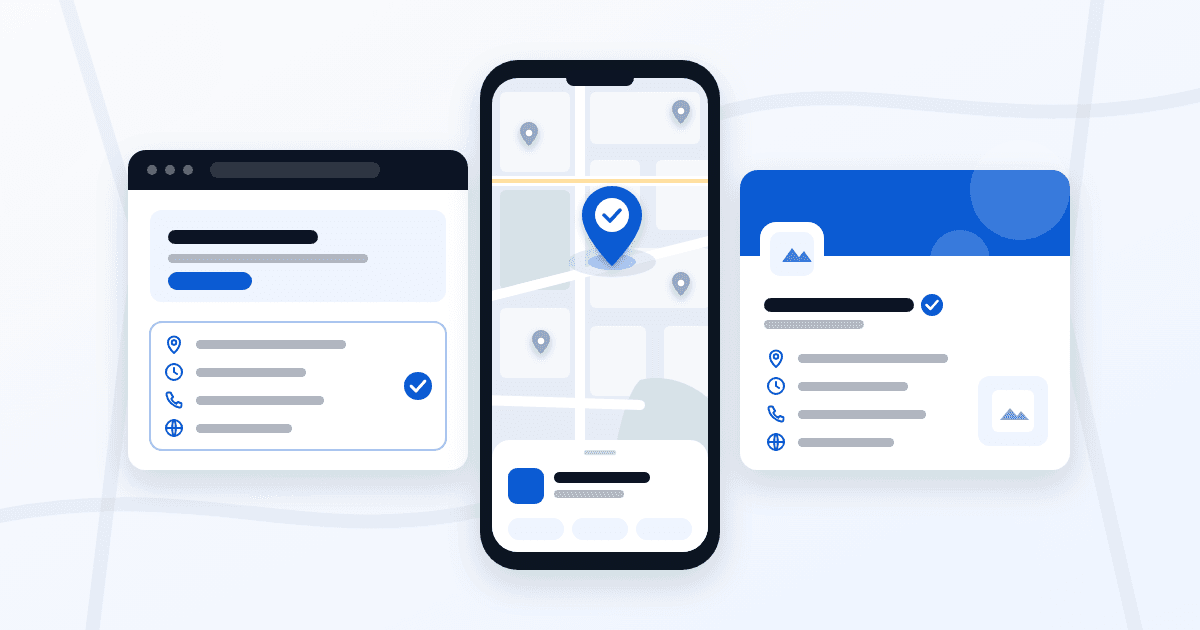
Short answer: create or claim your Google Business Profile, verify it, and fill it in the way Google's own rules ask. From there, Google weighs how well you match the search, how close you are to the person searching and how well known your business is. You can work on two of those. Distance isn't one of them.
How Google picks the businesses on the map
Google's help page Tips to improve your local ranking on Google names three factors. Relevance is how well your Business Profile matches what someone is searching for. Distance is how far you are from that person. Prominence is how well known your business is (the page also calls it popularity).
The same page has one line worth reading twice: "There's no way to request or pay for a better local ranking on Google." Anyone selling you a guaranteed spot on the map is selling something Google says doesn't exist.
That's also why we won't promise you a top spot. Our FAQ says it plainly: we don't make up traffic promises. The map someone sees two streets from your door can look different from the one a customer sees across town, and no profile setting changes that.
Set up your profile the way Google asks
Start here. Google publishes its rules, and following them costs nothing.
Create or claim the profile
Search for your business name and town on Google Maps first. Google may already have a profile for you. If it's unverified, choose "Claim this business" and follow the steps in Add or claim your Business Profile. If nothing comes up, add your business at business.google.com/add. And if someone else already controls a verified profile for your business, Google's process is to ask that owner to transfer it to you rather than starting a second one.
Verify it
Google says verification tells it you're authorized to represent the business. According to Verify your business on Google, the methods include phone or text, email, a live video call, a video recording and a postcard by mail. You won't see all of them: the options depend on your business type, public info, region and business hours.
Your name, exactly as it is
Google's Guidelines for representing your business on Google say extra information in the business name isn't permitted. That covers taglines, phone numbers, URLs and service or location details. "Smith Plumbing" stays "Smith Plumbing", not "Smith Plumbing 24/7 Emergency Repairs".
Address, service area or both
If customers come to you, use your exact address. If you go to them, the way a plumber or a house cleaner does, Google asks service-area businesses to hide the address and set a service area instead. That area shouldn't reach farther than about two hours of driving from where you're based.
Some businesses do both, like an auto shop with a garage that also offers roadside help. Google calls these hybrid businesses: they can show the storefront address and set a service area too. A P.O. box doesn't qualify. A virtual office only counts if it's staffed during your business hours.
Hours, category and one profile
Add your hours, including special hours for holidays, and choose the category that describes what you do. Google asks for information that is as complete as possible, so fill in every field that applies to you.
Keep it to one profile. The guidelines say there should only be one profile per business, and one profile for each location. Breaking these rules is not a small risk: Google says it can suspend a Business Profile for guideline violations.
Reviews and photos, done honestly
Responding to reviews and adding photos and videos are both on Google's list of tips. Answer every review in your own words, the kind ones and the unfair ones.
Asking for reviews is fine. How you ask is where businesses get into trouble. Google's Maps content policy, Prohibited & restricted content, bars businesses from offering payment, discounts or free services in exchange for a review. It also bars asking only the customers you expect to be happy. So send the same link to everyone after the job.
Use your own photos. Stock images say nothing about the work you do.
Make your website tell the same story
Your profile and your website should agree: same name, same phone, same services, same towns. When the two point in different directions, a customer can't tell which one is right.
This is where our local SEO work starts. We line up the website, the Google Business Profile and the town pages so they match. And we only build area pages where you really work, because a page for a town you never drive to is a promise you can't keep. If the website itself needs rebuilding first, that's our SEO website builds.
FAQ
Can I pay Google to rank higher on Maps?
No. Google's Business Profile help says there's no way to request or pay for a better local ranking.
Do I need a storefront to show up on Google Maps?
No. A service-area business can have a profile with its address hidden and a service area set. What doesn't qualify is a P.O. box, or a virtual office with nobody there during business hours.
Will adding keywords to my business name help?
Google's guidelines don't permit extra information in the name, so it's a rule you'd be breaking, and one that can lead to a suspension. Describe what you do with your category instead.
How long does it take to appear on Google Maps?
Google's page Find your business on Google says rankings for new businesses can take up to a month to appear in search results. Verification comes first: Google's verification review can take up to 5 business days, and a postcard usually arrives within 14 days.
Sources
Google Business Profile Help: Tips to improve your local ranking on Google, Guidelines for representing your business on Google, Add or claim your Business Profile, Verify your business on Google and Find your business on Google. Maps User Generated Content Policy Help: Prohibited & restricted content. All checked October 24, 2026.
Find out where your profile and website disagree
Ask for a free website and SEO audit and we'll tell you what to fix first on your website and on Google. No card needed, and Rudy reviews it personally. Based in Massachusetts. We work with businesses anywhere.